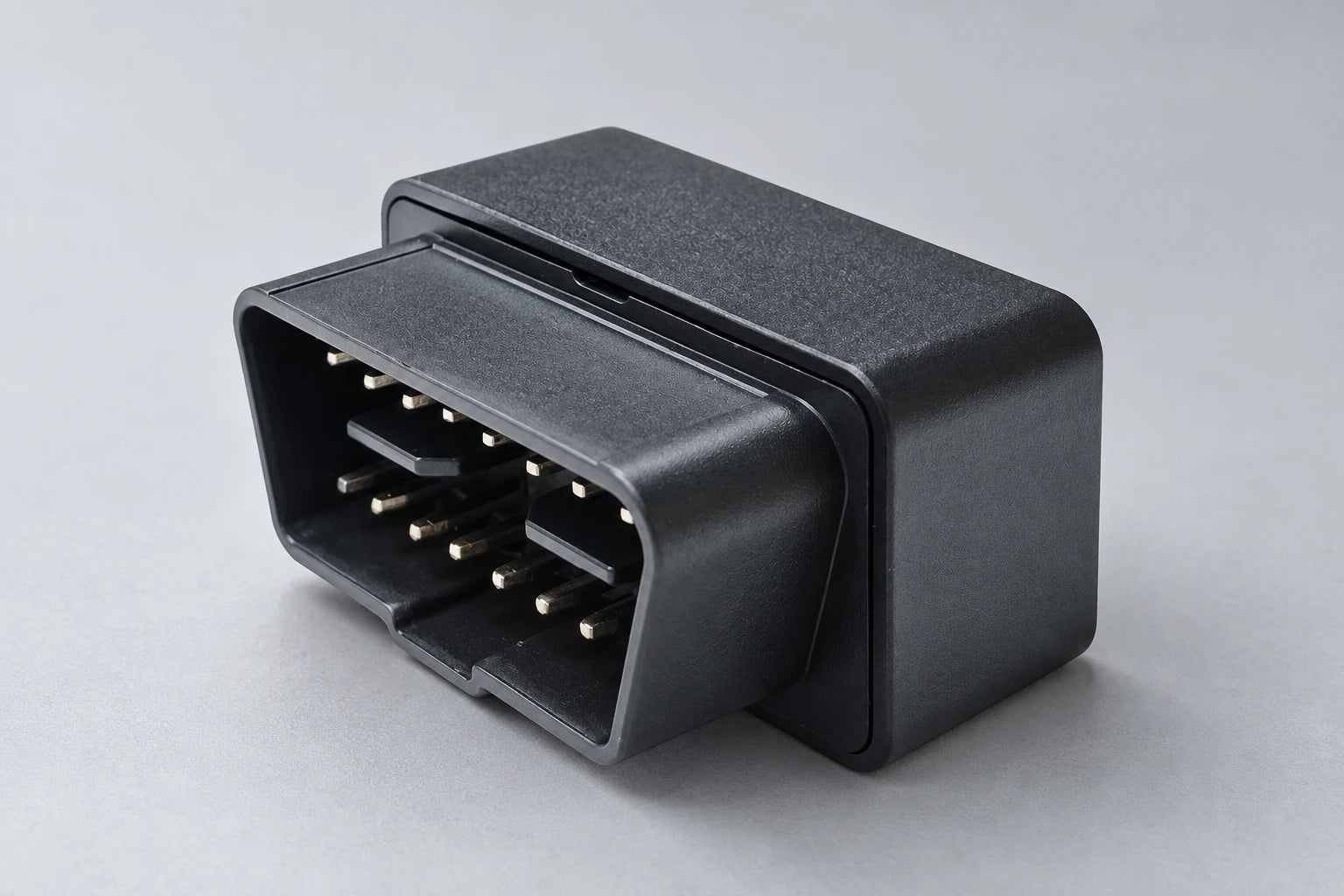
For dealers, rental channels and installers exploring vehicle tracking. Start with the vehicle, the OBD connection and the information your customer needs; then agree the sample configuration to evaluate.
A rental handover, a service vehicle leaving for work or a dealer explaining tracking to a buyer. Describe when the customer needs to locate the vehicle or review its movement, and what a useful result would look like.
Concept render for product discussion; not a photograph of a final SKU.
Connection and vehicle fit
The OBD format connects at the vehicle’s diagnostic socket. Before fitting a sample, check the exact unit’s instructions, socket location, power requirements and clearance around pedals and trim. Have the installer confirm a secure fit for the intended vehicle.
Confirm the complete configuration
Share make, model, year and country of use. Match the hardware and firmware with the local network/SIM and the agreed software route. An OBD connection alone does not establish access to VIN, fault codes, fuel or CAN data; check each requested item against the vehicle protocol and device variant.
What to evaluate with the sample
Use these questions to agree a test plan for the selected configuration. Record observations on the actual vehicle.
Location and trip records
When do positions update? What happens during a loss of connection and after it returns? How are turns and timestamps represented in the available records?
Events and vehicle power
Which events matter to the customer? Agree how to check event visibility, stationary operation, wake-up behaviour and the effect on vehicle power with the selected unit.
Software setup and customer guidance
Agree which software will be shown, the information to demonstrate and who can access it. Confirm interface language, account permissions and the update/support process before arranging a demonstration.
Considering a wired or wireless device? Tell us about the asset, available power and installation conditions in your sample enquiry.