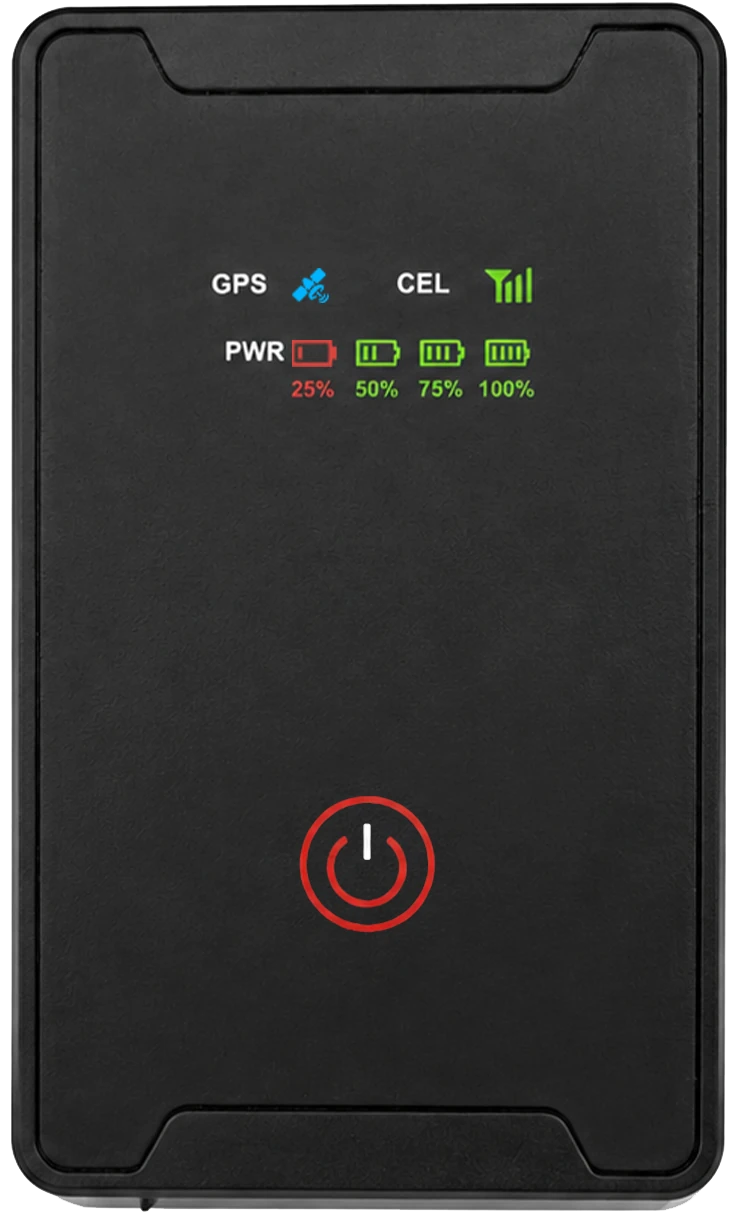
Rechargeable Asset Tracker
A rechargeable tracker family for assets that need flexible placement and a service interval matched to their use pattern.
View product details →

Wooyane
Follow the working life of equipment between storage, jobsites and handovers, start with the items your customer finds difficult to keep track of
Tools and rental equipment move between stores, jobs and customer sites. An inventory entry alone may not explain where an item was handed over, when it is expected back or when its tracking device needs attention.
A rechargeable tracker family for assets that need flexible placement and a service interval matched to their use pattern.
View product details →
A solar-assisted device route for containers, trailers and equipment that may spend longer periods away from routine charging.
View product details →
A lock-form tracking device for transport assets and handover workflows where the lock and the asset need to be discussed together.
View product details →Choose the device, connectivity and software configuration for your country of use and installation requirements.
Product overviewPair the asset identity with its device and mounting record. Plan the power and inspection routine around how often the asset returns.
Use a real transfer between sites to evaluate reporting and reception. Relate the available location record to the customer’s allocation record.
Check the asset, mounting and device condition during return. Reconcile the handover and prepare the next deployment.
Products
Country, network and data plan
Asset identity, site records and maintenance ownership
Named users, response and maintenance
Use this as a project design. Select and verify the device, connection and software configuration together during evaluation.
Keep one complete issue–transfer–return record. Compare the reporting interval with the maintenance workload and verify reception at the actual mounting position, including storage and customer sites.
Discuss your project