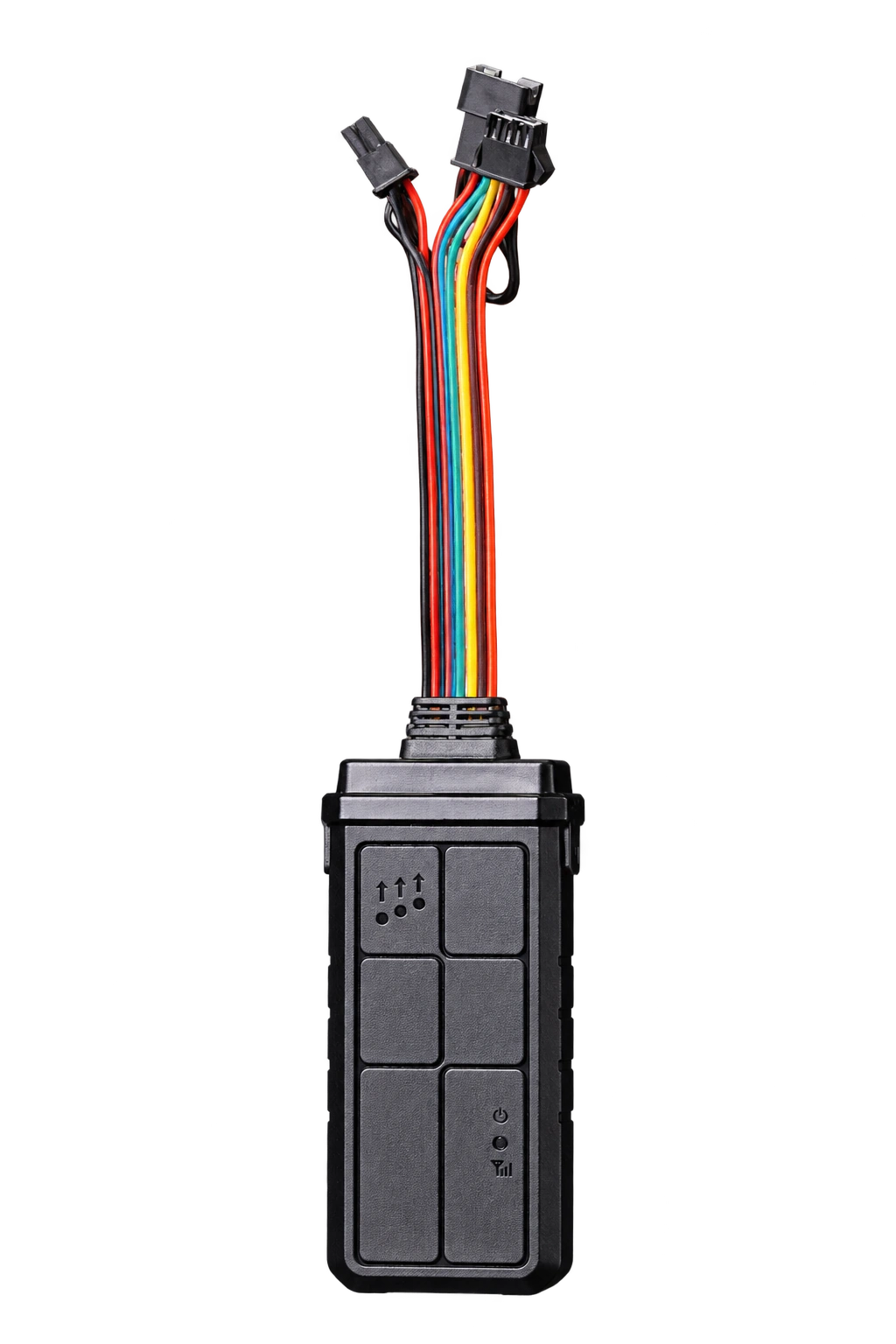
Multi-Function Vehicle Telematics Unit
A multi-interface vehicle unit for projects combining tracking with compatible vehicle data, sensors or video equipment.
View product details →

Wooyane
Start with the vehicle: where it is used, who takes it over and what the customer needs to know when it moves
A customer needs a clear record for one vehicle: who is using it, which journey is being checked and what happened before a handover. The starting point is the vehicle’s use, not a fleet-wide dispatch process.
A multi-interface vehicle unit for projects combining tracking with compatible vehicle data, sensors or video equipment.
View product details →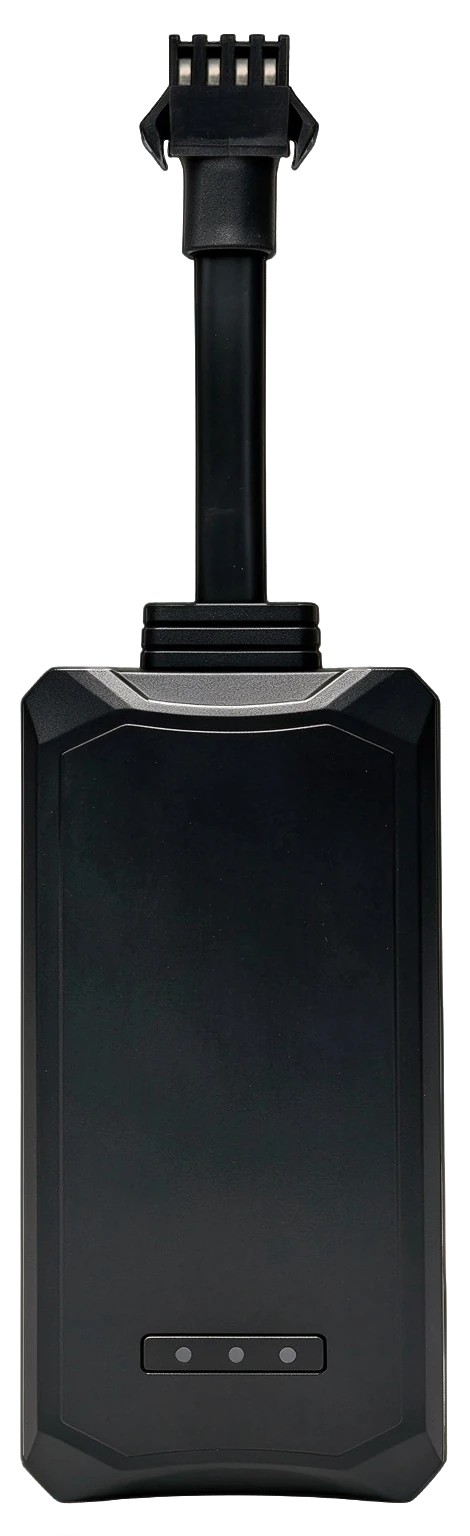
A compact hardwired tracker for vehicles that need a permanent installation and a clear setup path from installer to connected software.
View product details →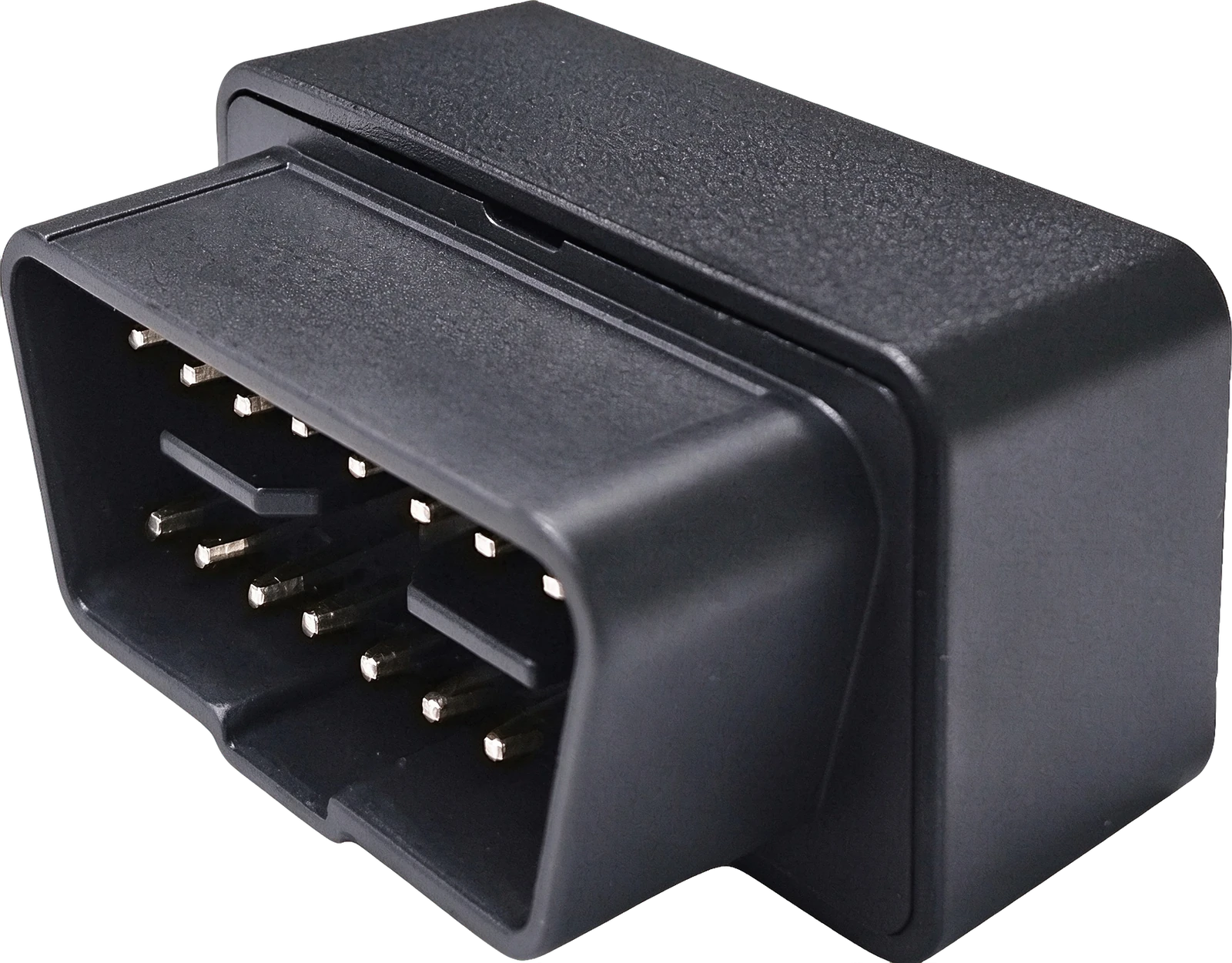
A compact plug-in tracker for compatible OBD-equipped vehicles, suited to evaluation, rental handover and everyday vehicle visibility.
View product details →Choose the device, connectivity and software configuration for your country of use and installation requirements.
Product overviewCompare the installation and connection needs first. Confirm the selected configuration for your vehicle and country of use.
Link the vehicle identity, user and installation record. Check power and connection at the actual parking location.
Use the customer’s route and stopping points as the demonstration task. Evaluate what location and journey information the selected configuration provides.
Compare the available journey information with the handover time and vehicle record. Assign follow-up questions to a named person.
Products
Country, network and data plan
Vehicle identity, journey review and user access
Named users, response and maintenance
Use this as a project design. Select and verify the device, connection and software configuration together during evaluation.
Start with the vehicle, installation access and information you need. Y18 supports a permanent wired installation; WY320 provides additional connections for compatible peripherals. WYOBD uses the OBD connector for power on compatible vehicles. Confirm the exact fit and supported functions before choosing.
An OBD connection alone does not establish diagnostic coverage. Confirm which vehicle data and functions the specific device, vehicle and software configuration support.
For connected use, confirm the device’s network compatibility, SIM and data arrangements, and software account configuration for the country of use. If you already use a platform, share its protocol and integration requirements so compatibility can be checked.
Tell us the country of use, an example vehicle and what you want to check. Include the device of interest if known. We can then discuss the configuration, evaluation arrangements and sample terms.
Keep the installation record, a representative journey and a completed handover check. Confirm which information is available to the customer and who handles an offline device or access problem.
Discuss your project